Create with Imagine Image AI
Make a direction you can keep using.
Imagine Image helps turn words, images, and references into a visual starting point you can actually keep working with.
Describe a scene, upload a reference, or start from a result. Generate precisely, edit anything, keep what matters, and continue creating.
Start creating Your visual starting point will appear here.
A continuous workflow
One image can become many deliverables.
Start with text-to-image generation, then keep the same visual direction alive through editing, variants, references, background removal, consistency, and Smart Resize.
01 · Imagine
Write the visual brief or add references.
02 · Create
Generate the first image with intent.
03 · Change
Select and edit the part that needs work.
04 · Adapt
Make variants and new formats.
05 · Reuse
Carry the result into the next task.

Choose a starting point
Start with the job the image needs to do.
A useful brief is easier to shape when it has a destination. Pick a workflow, then bring the result back into the same creative loop.
- 01Product photography. Keep the product recognizable while the scene changes.
- 02Marketing visuals. Build a campaign direction with room for the message.
- 03Character design. Establish an identity you can carry into new scenes.
- 04Poster design. Make composition and typography part of the image.
- 05Browse templates. Start from a proven visual task and make it yours.
Keep what matters
When the direction is right, change only what is wrong.
Keep the character, product, typography, composition, or visual identity that is already right. Choose the change that moves the image forward.
- Edit a detailChange the part that needs work without restarting the whole image.
- Remove a distractionErase an unwanted object and reconstruct the surrounding scene.
- Change the backgroundTurn a finished subject into a reusable transparent asset.
- Adapt the formatRecompose the image for a new canvas instead of stretching it.
- Make a variationExplore another angle while keeping the visual thread.
- Use a referenceCarry a successful product, character, or style into the next image.
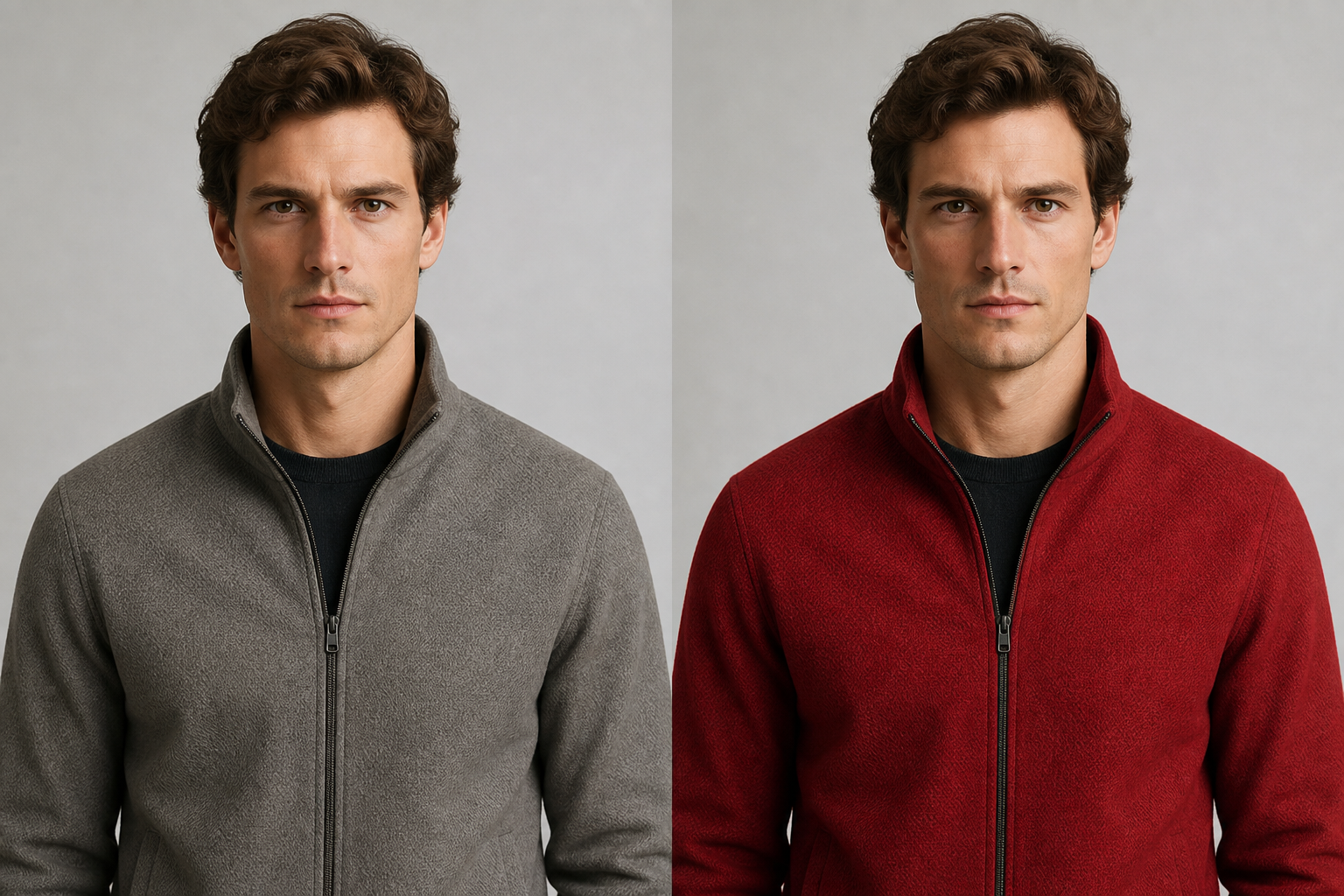
Keep creating
The first image is only the beginning.
Create a direction you can edit, adapt, and keep using until the asset is ready.
Create an image