Product photography
One product. An entire visual campaign.
Start from a product photo or reference, then create the studio shot, the lifestyle scene, and the campaign image around the product you need to keep.
Change the background, fix a detail, make a useful variation, and resize the winning direction for store, social, and advertising formats.
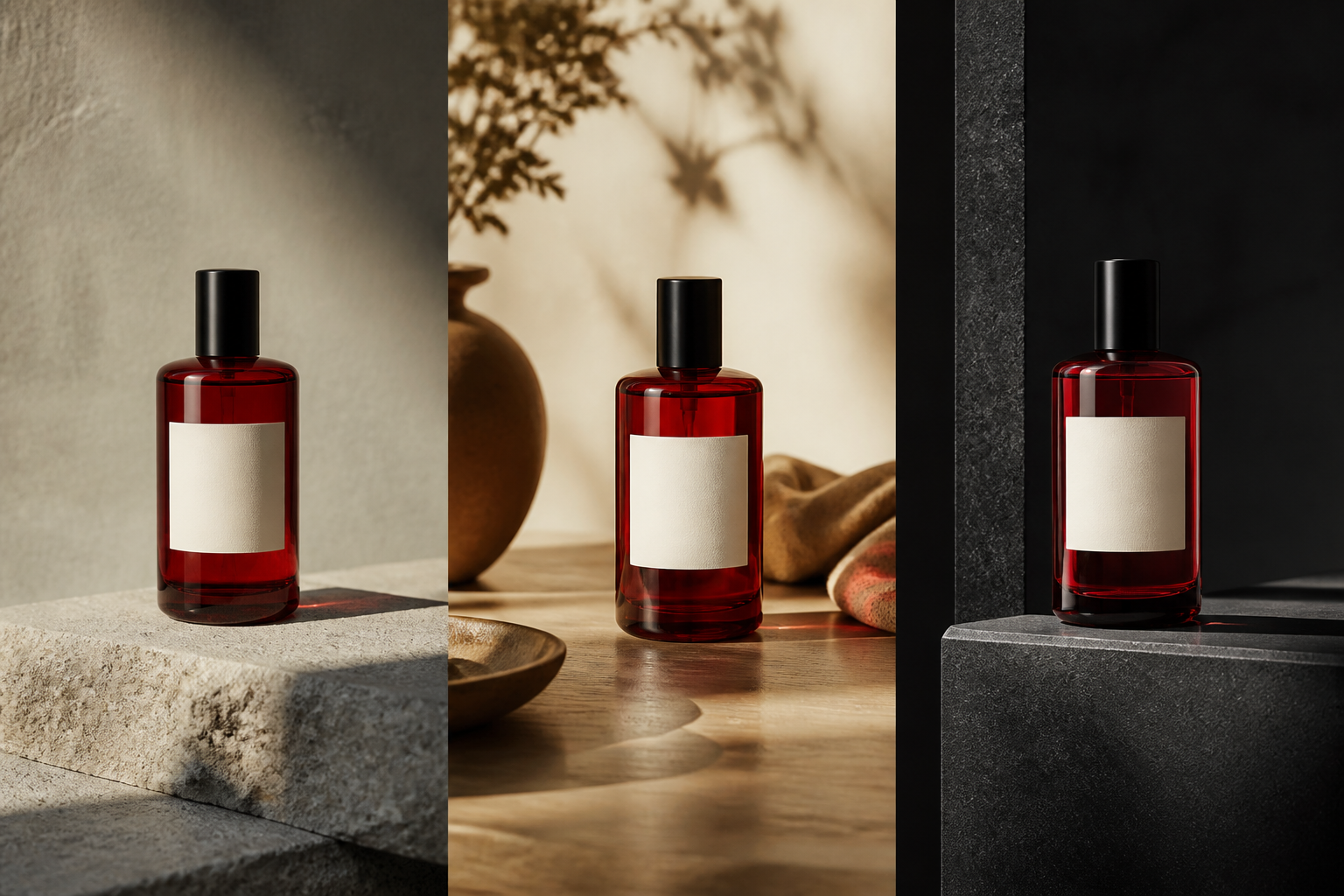
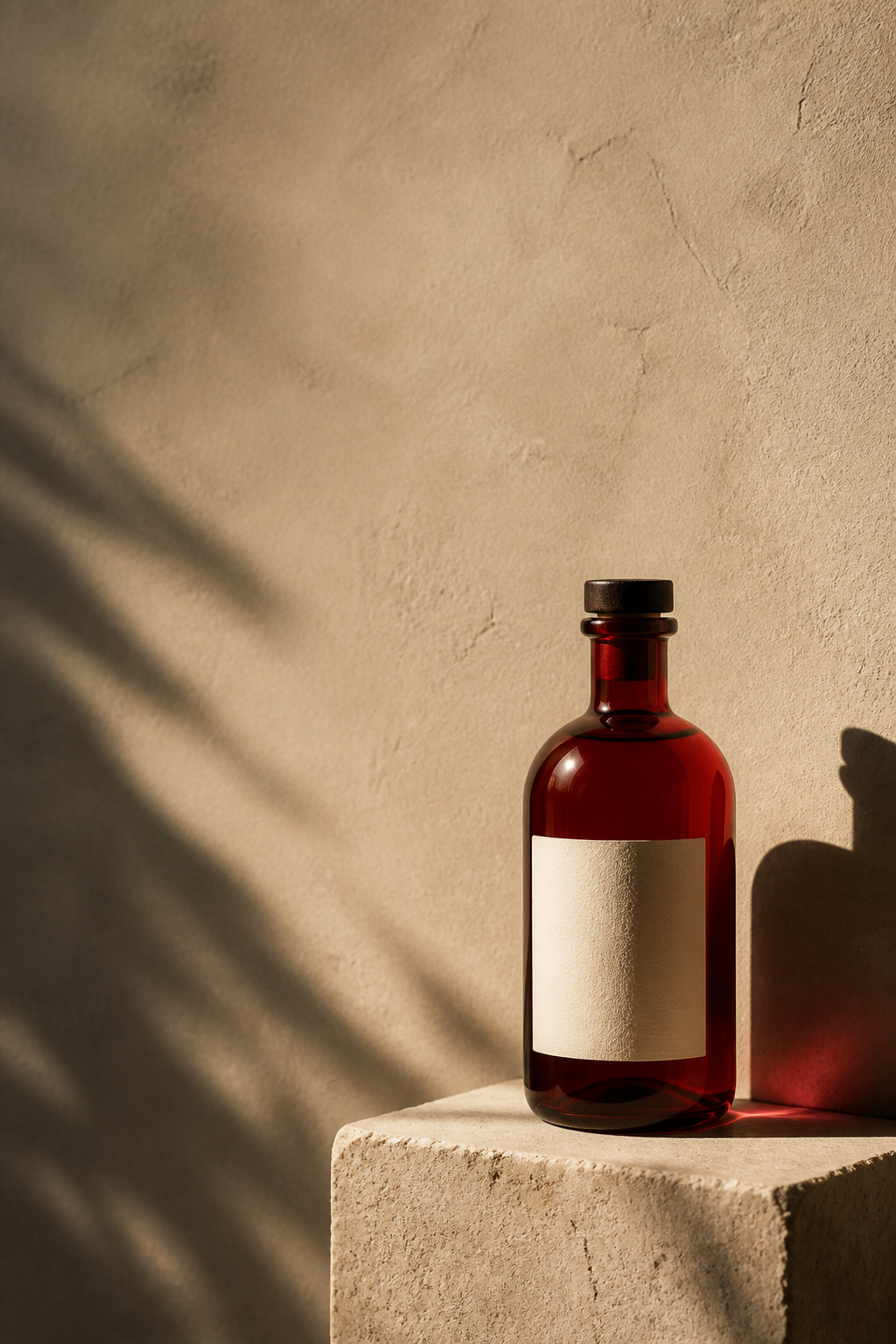
A product that can carry a campaign
Make the product the constant.
Product work is rarely one image. It is a set of decisions about surface, light, season, message, format, and context. Imagine Image lets you carry the product through those decisions without starting from an unrelated object each time.
“Keep the bottle recognizable. Move it from a quiet studio surface to a warm lifestyle scene, then give the campaign headline room above it.”
Keep what matters
Keep the shape. Change the world around it.
Start with a clear reference and state which product decisions must remain recognizable. Then let the prompt direct the surface, atmosphere, composition, and message around it.
- 01
Shape. Keep the silhouette, proportions, cap, handle, or construction details intact.
- 02
Label. Preserve the visible brand mark, headline, color system, and hierarchy that identify the item.
- 03
Material. Make glass, metal, paper, fabric, liquid, or texture read correctly in the new light.
- 04
Context. Change the setting, season, audience, or campaign mood without losing the focal point.
Precise editing
Change one decision. Keep the campaign moving.
If the product is right but the scene is not, describe the part that needs work instead of restarting from scratch. Change the background, prop, color, shadow, or message while preserving the visual direction that already works.
Change this. Keep everything else that makes the product useful.
Useful edits
- Change the background
- Fix the product color
- Remove a distracting prop
- Make room for the headline
The deliverable set
Make the image the next channel actually needs.
One crop should not have to do every job. Build a small visual system in which each image has a clear role, a readable focal point, and enough space for the surface it will live on.
- 01
Studio hero. Clean, precise, and easy to understand at a glance.
- 02
Lifestyle scene. Put the product in a world that gives it context.
- 03
Campaign visual. Leave intentional room for the message and hierarchy.
- 04
Store format. Keep the product clear when the image has to work quickly.
The product workflow
Carry one asset through five useful decisions.
Every result gives you a next move. The first image is the beginning of the campaign, not the final export.
- 01
Add the product. Start with a product image or reference that shows its identity clearly.
- 02
Set the scene. Describe the surface, light, camera relationship, background, and mood.
- 03
Refine details. Change the part that is not right without discarding the product.
- 04
Make variants. Explore another composition, seasonal direction, or campaign message.
- 05
Resize and reuse. Adapt the winning visual for store, social, ad, banner, or presentation.
What comes next
A product image is a new starting point.
Keep creating from the strongest result. Turn it into a transparent asset, test another direction, fit a new frame, or carry the product into a different reference-led image.
- 01Remove the background. Make the product ready to travel into another composition.
- 02Make a variation. Test light, framing, environment, and message before you choose.
- 03Resize the composition. Rebuild the frame for the surface that comes next.
- 04Use it as a reference. Carry a successful product direction into another creation.
Questions before the next asset
The product stays clear while the creative direction keeps moving.
Use the answers below as a brief for the next product image, not as a limit on what the image can become.
- What is AI product photography?
- It creates studio, lifestyle, campaign, and store-ready images around a product reference while keeping the product’s important identity visible.
- How do I preserve my product?
- Use a clear reference and state the shape, label, color, material, and details that must remain unchanged while the scene changes.
- What backgrounds work for product images?
- Quiet studio surfaces, architectural spaces, natural lifestyle settings, seasonal scenes, and restrained campaign backgrounds work well when they support rather than compete with the product.
- What can I do after creating a product image?
- Change the background, make a variation, remove the background, resize the composition, or use the strongest image as a reference for the next asset.
One product. Many useful images.
Build the campaign around what must stay true.
Start with the product, change the scene, and keep shaping the visual set until every format has a job.
Create a product campaign