Marketing visuals
One idea. Multiple campaign assets.
A campaign direction becomes useful when the subject, message, and visual identity can survive the move from one frame to the next.
Turn a campaign thought into a visual direction, fix the typography, create alternate messages, and resize the winning concept for social, banners, ads, and posters.


Show the campaign working
Keep the idea. Change the placement.
A campaign becomes useful when the subject, message, and visual identity survive the move from one frame to the next.
In a poster, the headline needs room. In a social frame, the message needs focus. In a banner, the scene needs space to extend.
The campaign workflow
Carry one creative idea through the set.
A useful campaign direction has a subject, a message, a hierarchy, and a set of formats. Imagine Image keeps those decisions connected while you refine the image and adapt it to the next placement.
01 · Start with the idea
Name the audience, message, subject, mood, and visual priority.
02 · Create the hero
Generate a strong campaign direction with the composition and words in mind.
03 · Fix the detail
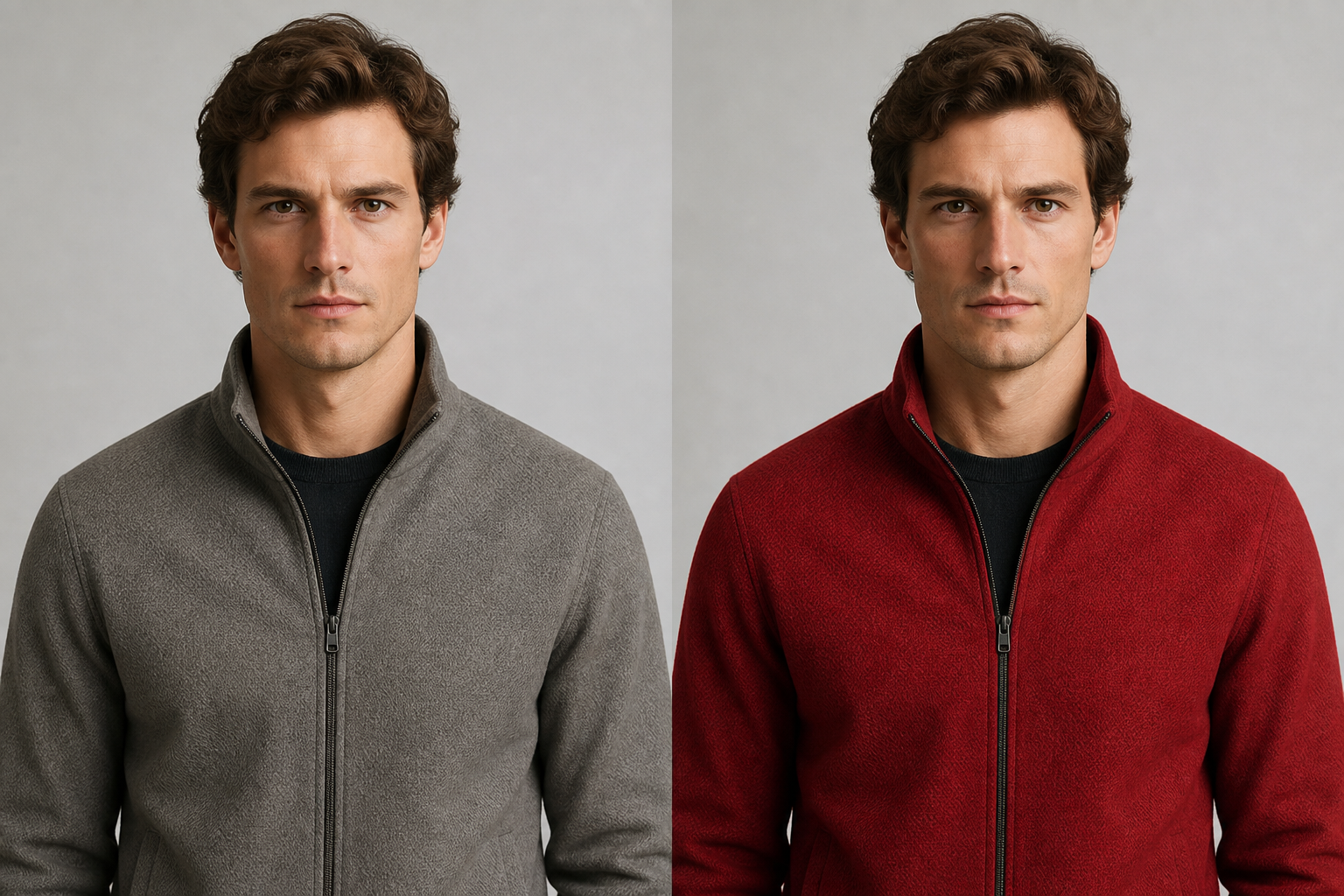
Edit typography, object placement, color, or background in context.
04 · Make a variant
Explore another message, light, pose, crop, or campaign emphasis.
05 · Resize and deliver
Recompose the visual for social, banners, ads, and posters.
Typography is part of the brief
Fix the words without throwing away the visual direction.
Campaign work often gets close before the headline, label, or hierarchy is right. Describe the exact words, placement, scale, and treatment, then change the typography in context.
Keep the subject, composition, and message aligned while the visual detail gets corrected.
“Keep the composition. Fix the headline to ‘MAKE ROOM’, place it above the product, and give it clear editorial hierarchy.”
One concept, many placements
Make each asset fit the place it will be used.
Keep the visual identity and campaign idea coherent while the composition gives every channel enough room to work.
- 01Poster. Give the headline room, establish hierarchy, and create a strong vertical composition.
- 02Social. Keep the message legible in a compact feed, story, or thumbnail-sized frame.
- 03Banner. Extend the scene and preserve the focal relationship in a wide format.
- 04Ad. Test another visual angle, audience message, or product emphasis without restarting.
The next creative move
Keep the direction moving after the hero.
Each result can answer the next campaign question instead of becoming a file that sits at the end of the process.
Questions before launch
A campaign visual should keep working after it looks good.
Imagine Image keeps the image, message, and next action connected so the campaign can grow from a direction into a complete set.
- What are AI marketing visuals?
- They are campaign-ready image assets created from a message, subject, visual direction, and the formats an audience will see across.
- Can I include exact campaign text?
- Yes. Include the exact words, hierarchy, placement, and treatment, then refine the typography in context if the first result needs a correction.
- How do I create multiple campaign assets?
- Start with a strong hero direction, make controlled variants, and use Smart Resize to recompose the visual for social, banners, ads, and posters.
- What can I do after creating a campaign visual?
- Edit a detail, create another variant, change the background, resize the frame, or use the result as a reference for a new campaign direction.
One idea. Multiple assets.
Give the campaign a visual system, not just a first image.
Create the hero, fix what matters, explore another version, and deliver the idea where it needs to go.
Create a campaign visual