What is Imagine Image?
Imagine Image is an image model for detailed text-to-image generation, precise editing, typography, reference-based creation, and visual transformation.
Imagine Image
Imagine Image is Imagine Image AI’s image model for creating, editing, and transforming visual content with more control over the details that make an image usable.
The goal is simple: make images you can actually use. Generate, inspect, edit, resize, reuse, and continue from every result.
Create with Imagine ImageThe creative loop
Precise generation
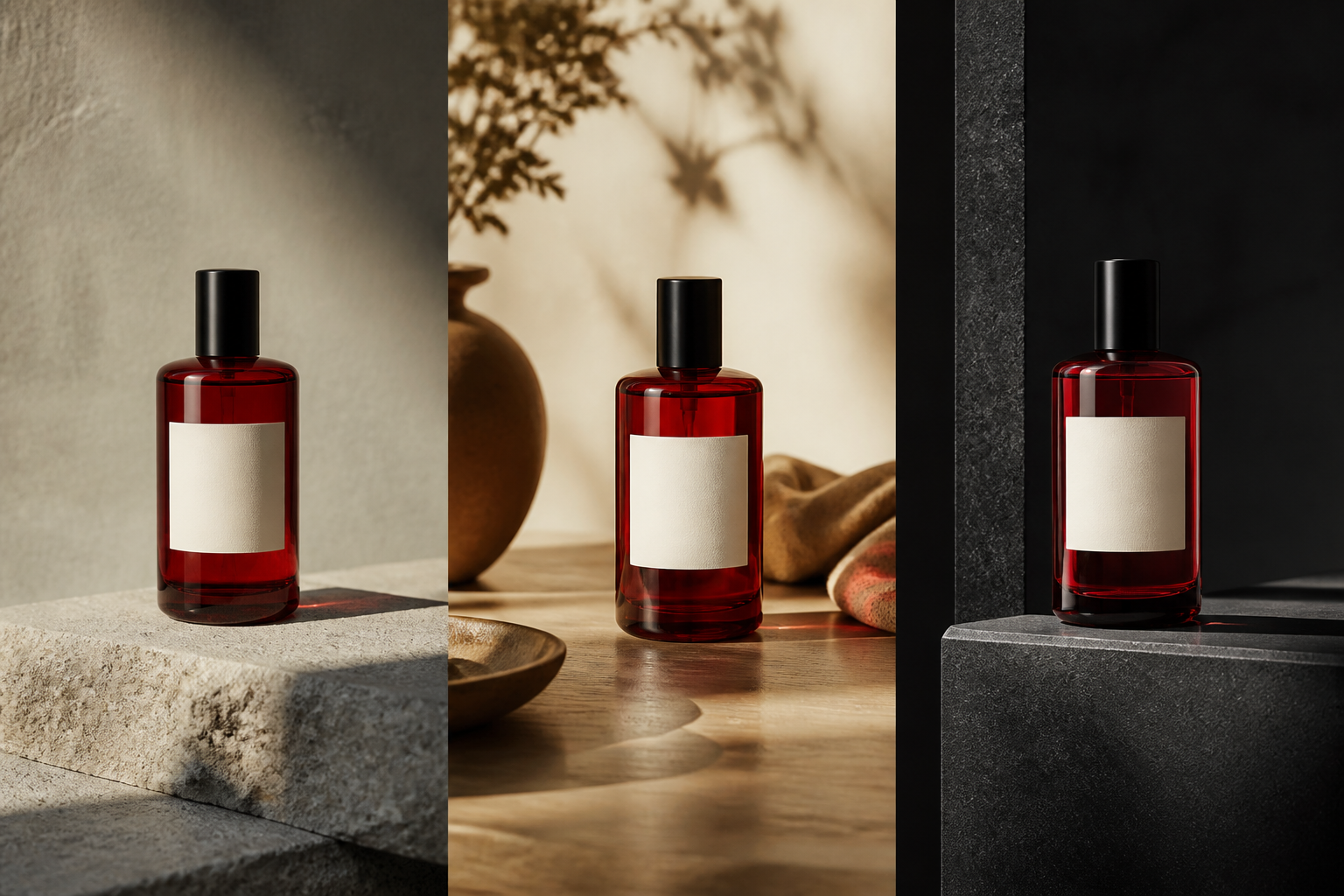
Imagine Image follows detailed instructions across subject, composition, typography, lighting, materials, style, and spatial relationships. A prompt can describe more than a mood; it can define how the visual parts should work together.
That makes the model useful for posters, advertisements, product visuals, social graphics, illustrations, branded content, and other production-oriented assets where the image has a job to do.
Prompt anatomy
Precise editing
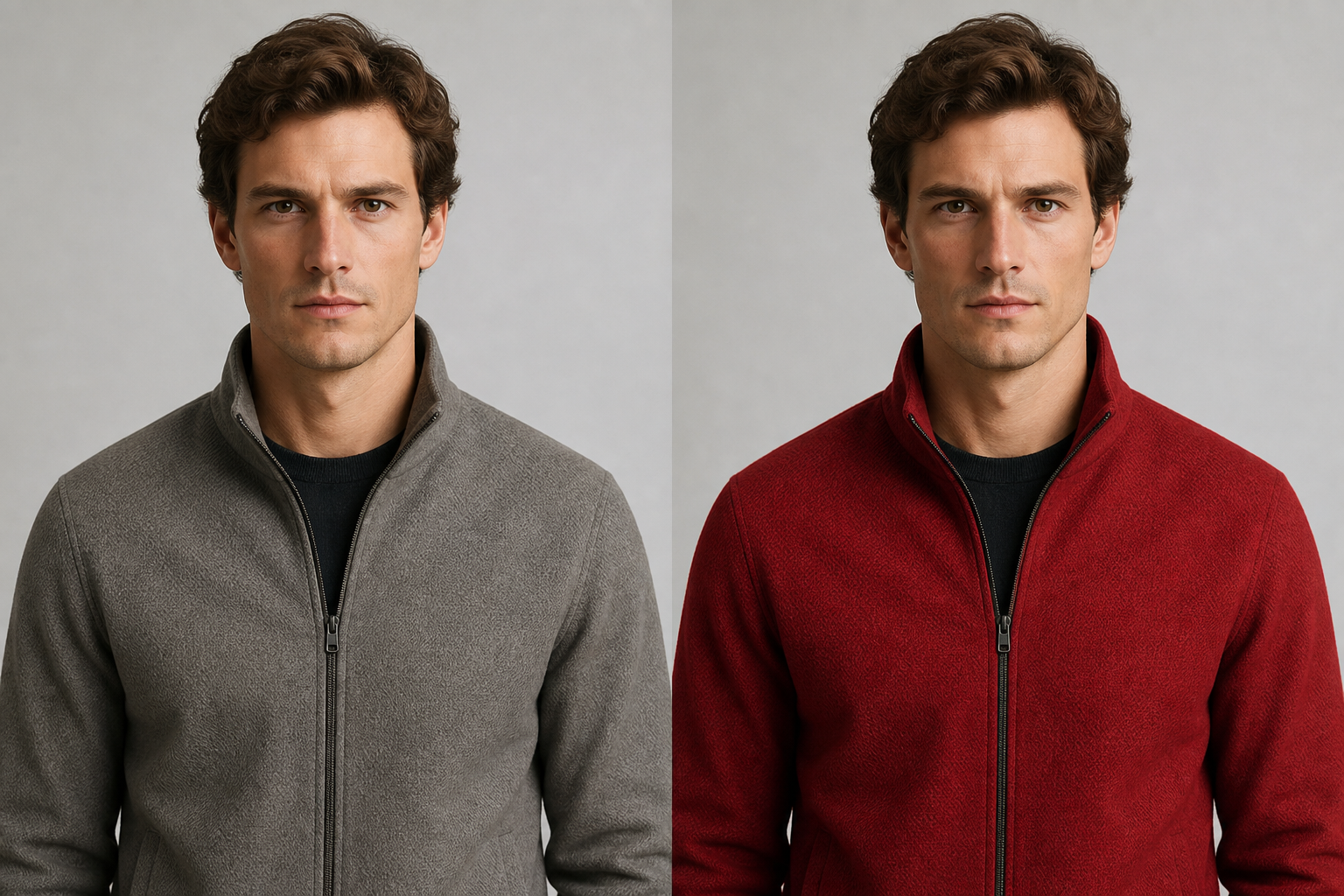
Imagine Image treats an edit as an instruction about an existing visual context, not a request to reinterpret the entire image. Change the detail that needs work while preserving the subject, composition, lighting, and visual identity that already fit the brief.
The technical complexity stays behind the interface. Creators can describe the result in the same language they use to describe the original image.
Natural-language edits
Select and edit
Smart Selection understands meaningful visual regions so an edit can target the shirt, face, product, text, accessory, or background you actually mean. Select the region, describe the transformation, and keep the surrounding scene coherent.
Multi-reference creation
Each reference can contribute a different piece of the brief. Use one for character identity, one for clothing, one for the product, one for style, and one for the environment. The instruction tells Imagine Image how those inputs should come together.
This moves the workflow from text-to-image to text plus images, and from an existing image to an edited image with a clear creative direction.
“Place this product in the second scene using the lighting from the fourth image.”
AI recomposition
Stories · social posts · banners · photography
Smart Resize
Smart Resize expands and recomposes the scene for a new aspect ratio. It preserves the important subject, adapts the composition, and reconstructs the visual space instead of simply stretching or cropping the original.
One creative asset can become many deliverables while keeping the idea intact.
Consistent creation
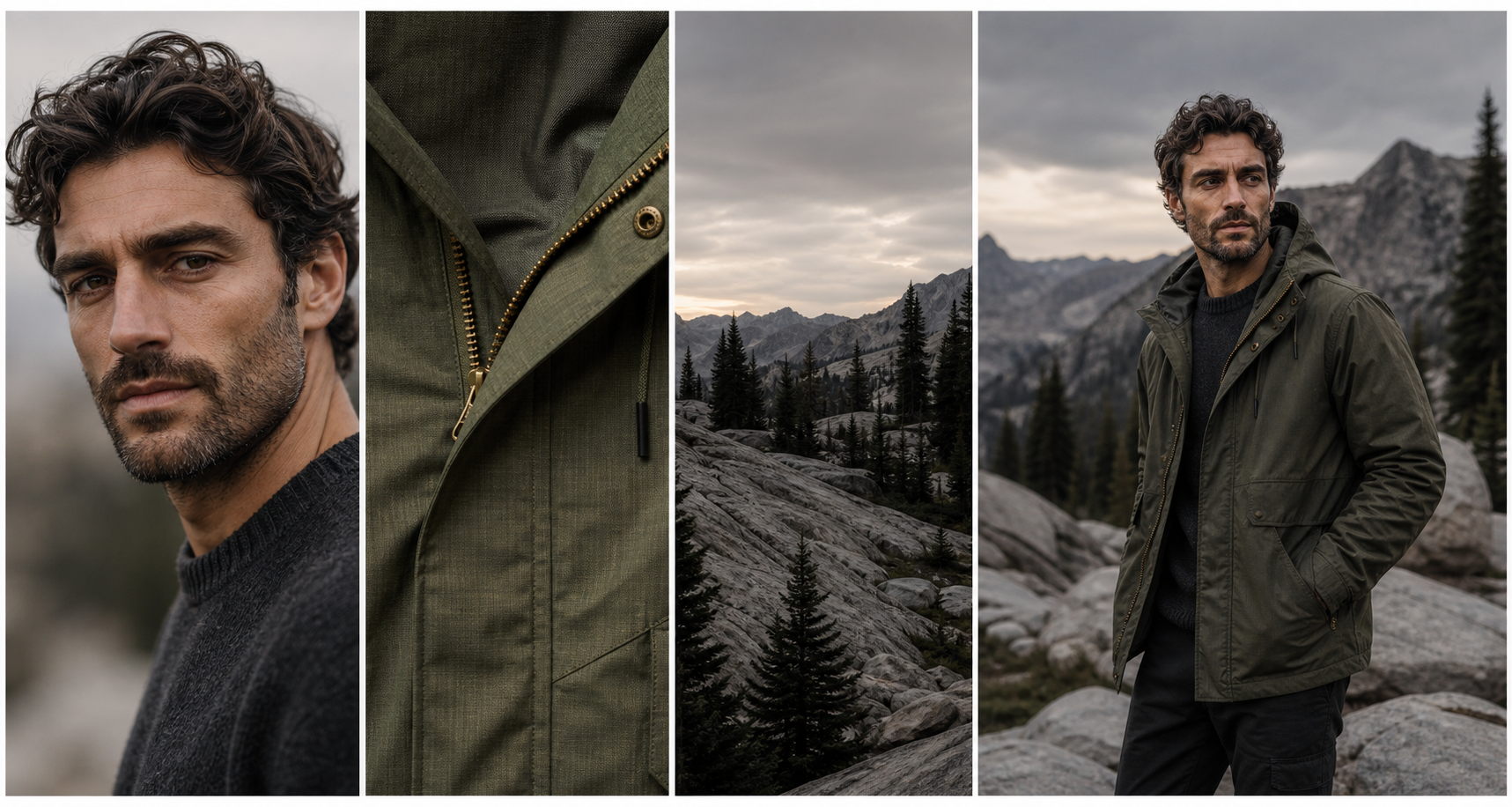
Imagine Image is designed for a body of work, not just a single frame. Preserve recognizable characters, defining product details, visual styles, and important design decisions as you create the next image.
Visual thread
Keep the identity. Change the moment.
Recognizable traits
New scene or message
Reusable series
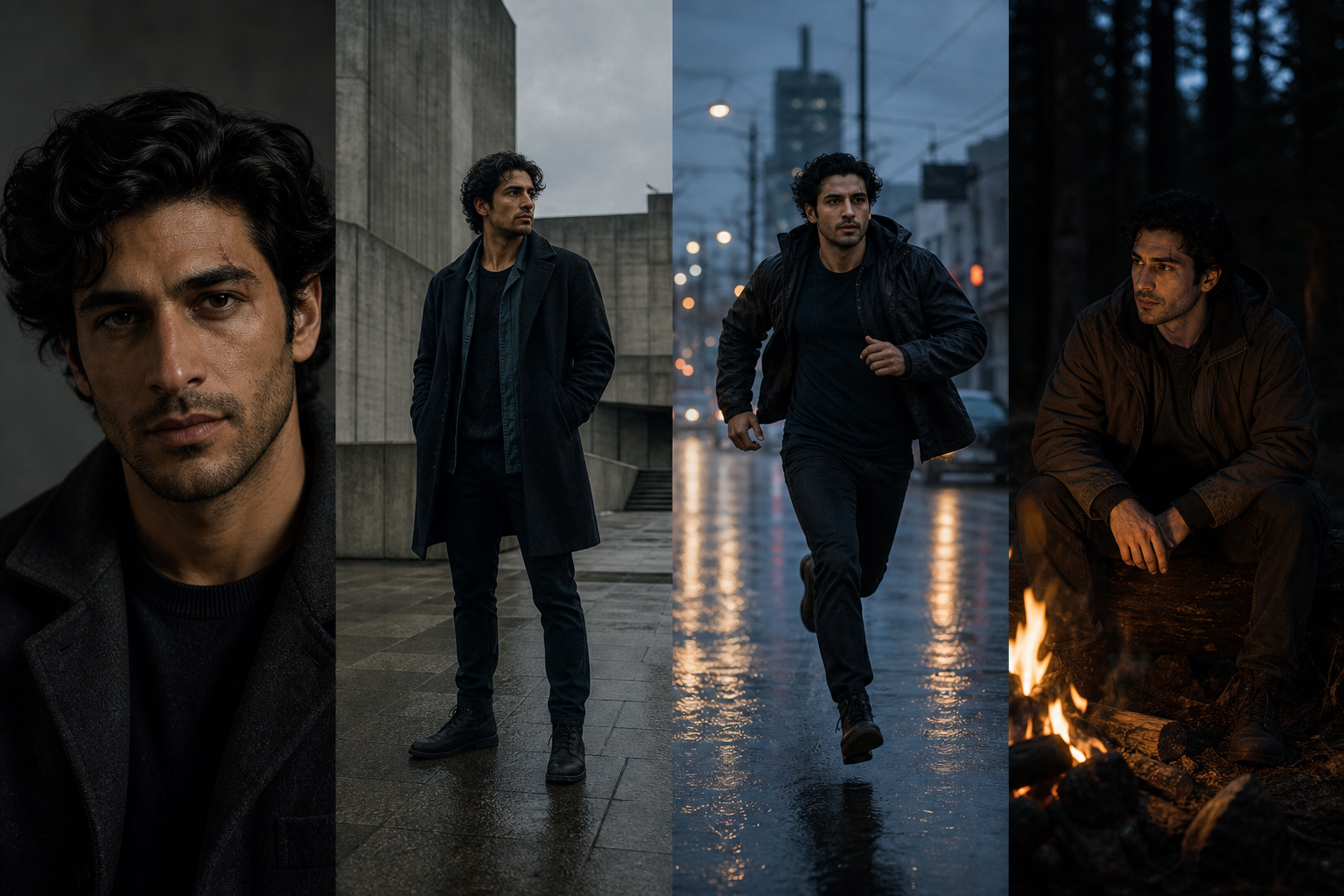
Build a portrait, a new pose, and a new scene that still belong to the same story.
Change the setting, season, or message while the product stays recognizable.
Keep a coherent style and visual identity across formats and deliverables.
Background removal
Isolate a character, product, or illustration with transparency, then take the asset into the next composition. Background removal is part of the creative loop, not a dead-end utility.
Create → Remove background → Continue editing → Reuse
Creative Templates
Templates package the right inputs, defaults, editing behavior, and output structure around a task. Start with the outcome instead of learning which model setting to choose.
Browse the workflow library →Continuous creation
Every result can become the input for another action: edit it, select a detail, make a variation, remove the background, resize the composition, use it as a reference, or return to the prompt and keep exploring.
Imagine Image is an image model for detailed text-to-image generation, precise editing, typography, reference-based creation, and visual transformation.
It follows instructions across subject, composition, typography, lighting, materials, style, and spatial relationships so a prompt can describe the visual hierarchy, not just the objects.
Yes. Select a meaningful region or describe the target in natural language, then ask Imagine Image to replace, remove, restyle, adjust, or add while preserving the surrounding context.
Cropping removes part of the original frame. Smart Resize recomposes the image for a new aspect ratio by extending the scene and adapting the composition around the important subject.
Yes. Use references and consistency controls to help maintain recognizable character traits, product details, visual style, and important design decisions across the series.
The first image is only the beginning.
Start with a prompt or reference, then keep shaping the image until it is ready for the work in front of you.
Start creating