Imagine Image AI Web UI
Keep working after the first result.
Imagine Image is the model inside a workspace built for the full creative loop: generate a direction, inspect what is working, change what is not, and carry the result into the next asset.
Start with a prompt, an image, or a group of references. Finish when the image is useful—not when it first appears.
Open the workspace Your visual starting point will appear here.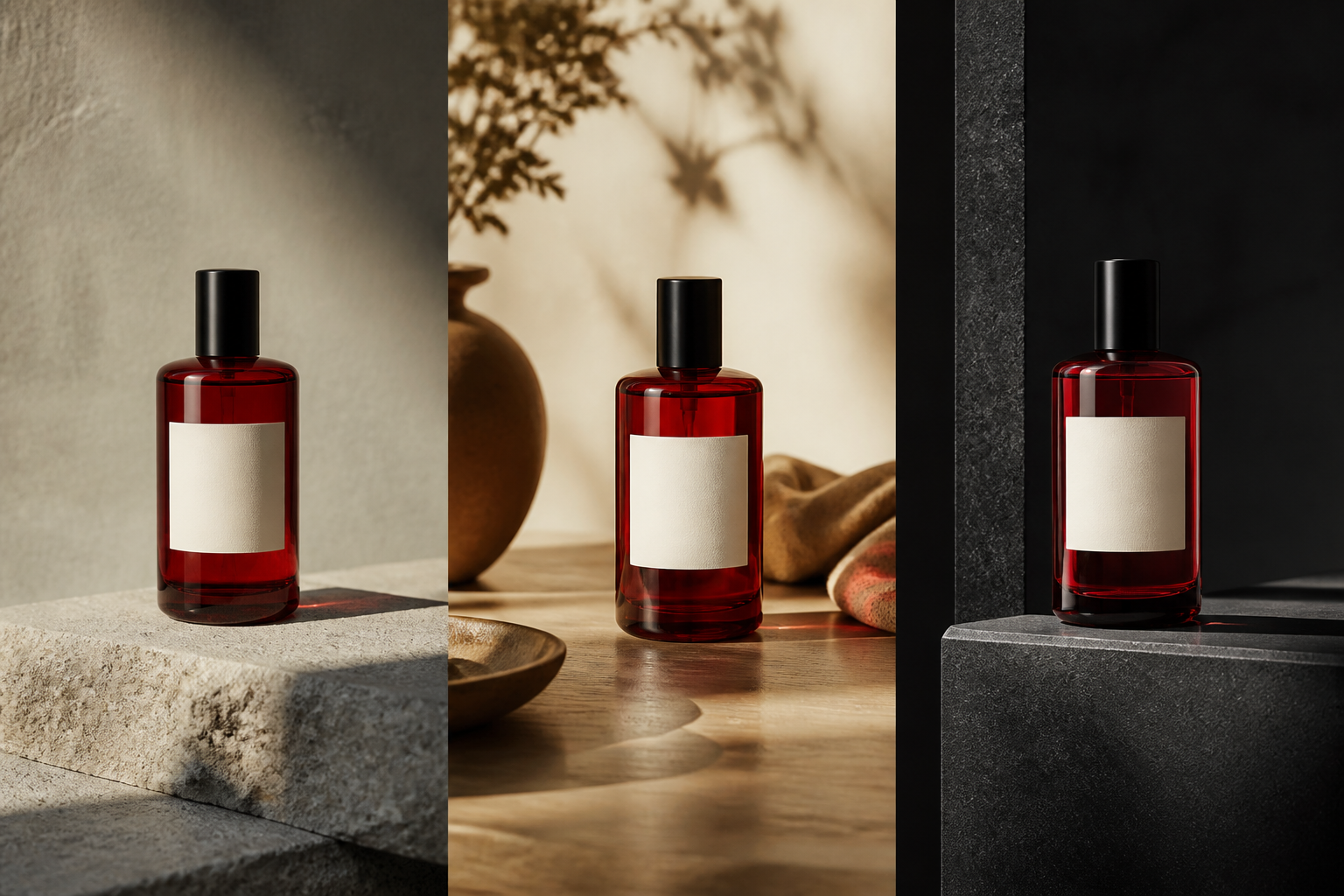
The image is the workspace
Create a result you can keep directing.
A generation is not a dead end. The useful decisions stay visible as the work moves from an idea to a finished visual.
01 · Describe the intent
Prompt for subject, composition, typography, lighting, materials, and relationships.
02 · Inspect the result
See the image as a direction, not a verdict.
03 · Change one thing
Use natural language and selection to target the detail that is wrong.
04 · Carry it forward
Resize, vary, remove the background, or use the result as a reference.
The result is an input
Do more than download.
When an image gets close, Imagine Image keeps it in play. Use it as the next instruction, not just the final file.
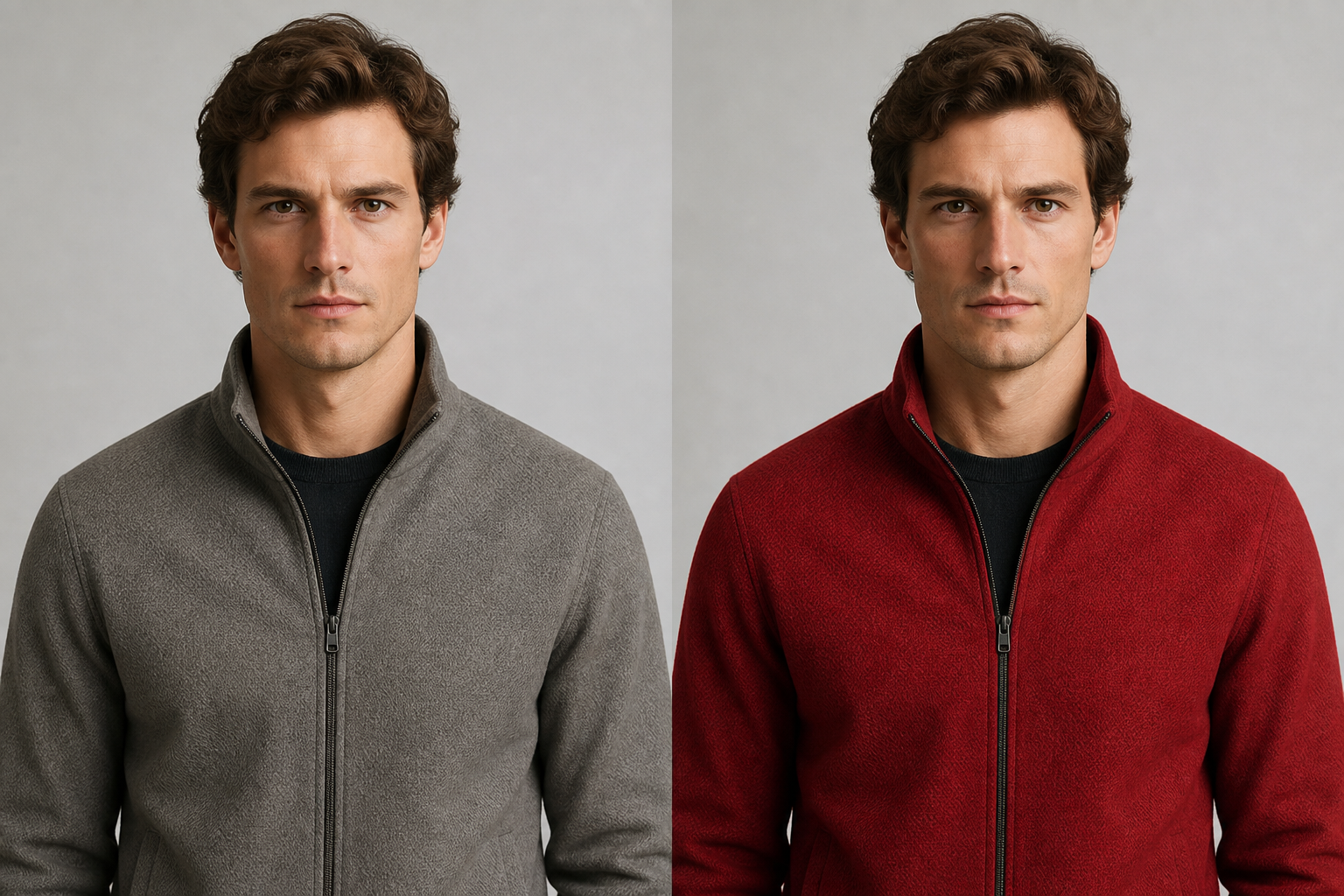
- Edit a detailChange the jacket, background, typography, material, or expression while keeping the surrounding idea.
- Create a variationExplore another angle without losing the visual thread.
- Resize the compositionRecompose for a new format instead of stretching or cropping.
- Use as referenceMake a successful character, product, or style part of the next image.
Questions before you start
A workspace for real creative decisions.
Imagine Image AI brings the model and its next steps into one browser flow, so the interface stays close to the way the work actually changes.
- What is the Imagine Image AI Web UI?
- It is the browser workspace for the Imagine Image model, bringing generation, editing, selection, references, resizing, and reuse into one creative flow.
- Can I edit an existing image?
- Yes. Start with a generated image or upload an existing one, select the region that matters, and describe the change in natural language.
- Can I use multiple references?
- Yes. Assign each reference a role such as character, product, outfit, style, pose, or environment and describe how they should combine.
- What happens after generation?
- Use the result to edit a detail, make a variation, remove the background, resize the composition, reference the visual direction, or download the finished asset.
Keep creating
The first image is only the beginning.
Open the workspace and keep shaping the idea until the asset is ready to use.
Start creating